
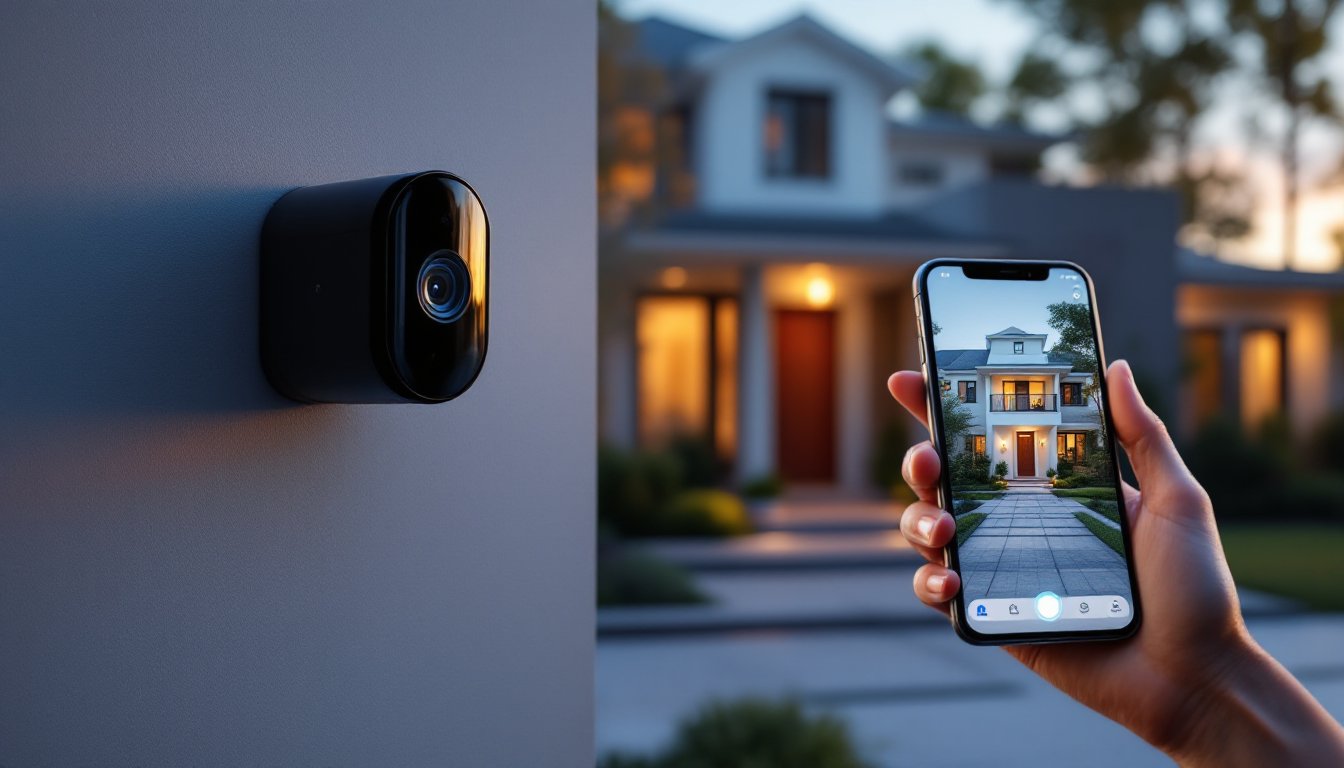

Selecting a home security camera company is one of those decisions that looks simple until you start comparing options. There are dozens of providers out there, each claiming superior video quality, iron-clad security, and hassle-free installation. But what actually matters when you’re standing in your garage trying to figure out whether to go wired or wireless, or whether you need cloud storage you’ll actually use? This guide cuts through the marketing and focuses on the features, support, and pricing that genuinely affect your security setup. Whether you’re protecting a modest apartment or a multi-story home with outbuildings, knowing what to evaluate upfront saves time, money, and frustration down the line.
Key Takeaways
- Choose a home security camera company based on video quality (1080p to 4K), night vision capabilities, and wide-angle lenses to ensure clear identification of people and events.
- Evaluate cloud storage retention periods, encryption standards (AES-256), and privacy policies carefully, as data security and how long footage is stored directly impact your system’s reliability.
- Wired systems offer reliability and consistent connectivity, while wireless cameras provide flexibility—select based on your home layout and whether you’re renting or own the property.
- Test the mobile app and customer support responsiveness before purchasing, as a feature-rich home security camera company is only valuable if the app is intuitive and support is readily available.
- Calculate total cost of ownership over 5 years including hardware, cloud storage subscriptions ($10–$30 monthly per camera), and professional installation to avoid unexpected long-term expenses.
- Verify integration with your existing smart home ecosystem (Alexa, Google Home, Apple HomeKit) and check warranty length and replacement policies to ensure seamless operation and protection against defects.
Key Features to Compare Across Security Camera Providers
Video Quality and Resolution Standards
Video quality is the foundation of any security system. A security camera company’s video resolution determines whether you can actually identify a person’s face or just see a shadowy figure at the edge of your property. Most modern home security systems offer cameras in 1080p (full HD), 2K, or 4K resolution. The jump from 1080p to 2K often provides meaningful clarity without eating up massive amounts of storage: 4K is sharper still but requires robust internet bandwidth and significantly more storage capacity.
Frame rate (measured in FPS, frames per second) matters too. Standard 30 FPS is adequate for most uses, but 60 FPS gives smoother footage if you’re tracking fast-moving subjects. Night vision capability is non-negotiable. Look for cameras offering infrared (IR) night vision rated to 30 feet or more, or companies that bundle in illuminated models with built-in spotlights for color night vision. Check whether the company specs their sensors’ low-light performance or just vaguely promises “excellent night vision.”
Wide-angle lenses (typically 110–180 degrees) reduce blind spots, though they distort edges. Some companies offer adjustable zoom or pan-and-tilt features that let you adjust the field of view remotely without physically repositioning the camera.
Cloud Storage and Data Security Options
Where your footage lives matters as much as the footage itself. Most security camera companies offer cloud storage plans, some bundled free for a limited period, others as ongoing subscriptions. Ask explicitly: how many days of footage are retained? Is it 7, 30, or 365 days? Does the plan scale with multiple cameras, or do you pay per camera? A company storing 30 days of 4K footage from four cameras uses different backend resources than one storing 7 days of 1080p from two cameras, and that difference should reflect in their pricing tiers.
Data security and privacy are paramount. Reputable companies encrypt footage both in transit and at rest (using AES-256 or equivalent), offer two-factor authentication for account access, and publish a clear privacy policy. Don’t assume a popular brand handles this well, research their track record. Some companies have faced lawsuits or breaches: others voluntarily limit how long they retain footage or restrict which employees can access your data.
Local storage (saving directly to a DVR, NVR, or microSD cards in the cameras) is an alternative or complement to cloud storage. It costs less long-term but requires you to manage hardware and backups yourself. Many companies now hybrid approach: free local recording plus optional cloud backup for redundancy.
Top Priorities When Evaluating Companies
Start by determining whether you want a wired or wireless system. Wired cameras (connected via ethernet and power) are more reliable and don’t depend on WiFi, but they require running cables through walls, often a dealbreaker in rental properties or homes with finished walls. Wireless cameras offer flexibility but drain batteries faster and can drop connection in dead zones. Most professional companies offer both, so narrow down by what your home layout actually supports.
Integration with smart home ecosystems matters if you already use Alexa, Google Home, Apple HomeKit, or SmartThings. Native integration (where the camera feeds directly into your ecosystem) is more seamless than third-party workarounds. Some companies are built on open platforms: others deliberately limit integration to lock you into their ecosystem.
Mobile app usability deserves a test drive. Download and explore the company’s app before committing. Can you easily pull up live feeds, adjust settings, and review recorded events on your phone without constant lag or crashes? A feature-rich app is useless if it’s slow or unintuitive. Many companies now offer mobile alerts (push notifications when motion is detected), which is helpful but can also become noisy and annoying if poorly tuned.
Warranty and return policies reveal a company’s confidence in their hardware. A 30-day return window is standard: some offer 90 days. Warranties typically run 1–2 years on equipment. Understand what’s covered: do they replace defective units for free, or do you pay shipping? How long is the turnaround? A company that replaces equipment overnight is worth more than one that ships you a replacement in 2 weeks.
Installation and Professional Support Services
Installation difficulty varies dramatically by company and setup type. DIY wireless systems with magnetic mounts and included WiFi setup can be running within an hour. Wired systems, especially ones requiring ethernet runs through walls, are more labor-intensive and may demand a licensed electrician or professional installer depending on your jurisdiction and the scope of work.
Many security camera companies offer professional installation services for an additional fee, typically $100–$500 per camera depending on complexity. This is worth budgeting for if you’re uncomfortable climbing ladders, drilling through joists, or routing cables. Some companies bundle installation into their pricing: others charge separately. A few regional providers include it as standard.
Customer support quality matters when something breaks or you need to troubleshoot. Test a company’s support responsiveness before buying. Can you reach a person via phone, chat, or email, or is it email-only? How quickly do they respond? Some companies staff 24/7 support: others keep 9–to-5 business hours. Read recent customer reviews specifically about support, this is where many companies falter. A great product with terrible support becomes a headache fast.
Software updates are ongoing. A responsible company pushes regular updates (at least quarterly) to fix bugs, improve performance, and patch security vulnerabilities. Confirm whether the company plans to support their hardware long-term or if they sunset devices after a few years, leaving you without updates.
Pricing Models and Long-Term Value
Home security camera pricing breaks into two buckets: hardware and software/services. A basic camera kit (2–4 cameras with recording hardware) typically runs $200–$800 upfront. Premium brands with robust ecosystems can exceed $1,500 for comparable camera counts. Don’t just compare upfront cost: calculate total cost of ownership over 5 years, including cloud storage subscriptions, additional cameras if you expand, and any professional support you’ll use.
Cloud storage subscriptions range from free (limited duration or limited cameras) to $10–$30 per month per camera for unlimited retention. Some companies charge per-camera subscriptions: others offer tiered household plans. A household with three cameras might pay $15–$25 monthly for cloud backup, which adds up to $1,800–$3,000 over 5 years. That’s not insignificant.
Mid-range companies often offer better value than premium brands, particularly if you’re comfortable with DIY installation. Carrier-branded or big-box retailer systems (from Best Buy, Home Depot, Lowe’s) sometimes undercut speciality providers because they’re bundled with installation labor or financing options. That said, cheaper doesn’t always mean better. A $150 camera that fails in 18 months costs more than a $300 model that runs for 5+ years.
Read the fine print on trial periods and cancellation fees. Some companies lock you into annual contracts for cloud storage: others allow monthly cancellation. Trial periods (typically 30 days for cloud storage) let you test-drive before committing. Ask whether the company ever discontinues products or forces upgrades mid-contract, this has burned plenty of early adopters.
Conclusion
Choosing the right security camera company hinges on matching features and support to your home’s layout, your technical comfort level, and your budget for both hardware and ongoing services. Prioritize video quality and security practices over flashy extras, verify integration with your existing smart home setup, and don’t underestimate the value of responsive customer support. Take time to read recent customer reviews, test the mobile app before buying, and understand the full cost picture including subscriptions. A well-chosen system protects your home reliably for years: a poor fit becomes a frustrating, expensive mistake.