
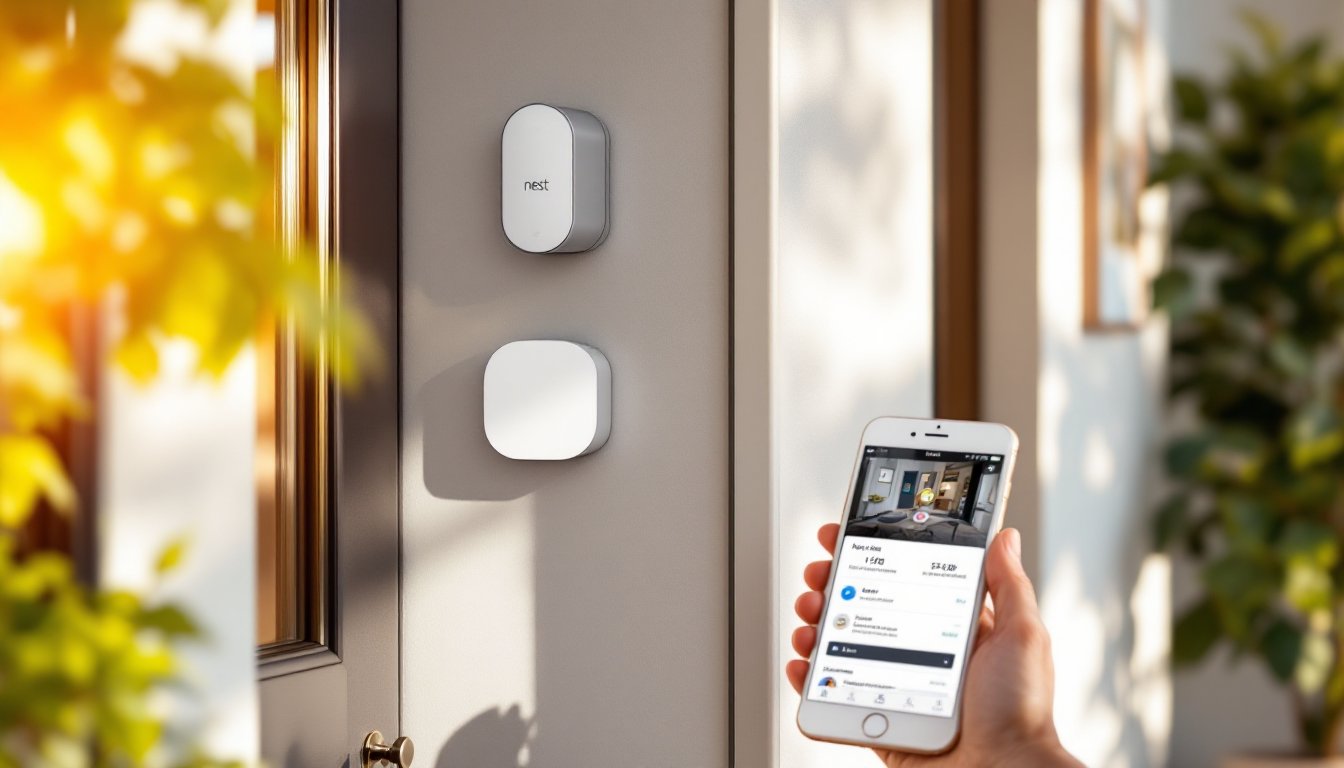

The Nest home security system has earned its place as one of the market’s most reliable DIY security solutions. Whether you’re protecting a small apartment or a multi-story home, Nest offers flexibility, ease of installation, and solid integration with Google’s ecosystem. Unlike traditional security setups that require professional installation and long-term contracts, Nest lets homeowners take control. This guide walks through what the Nest home security system actually does, how to set it up, and whether it’s the right choice for your home’s protection needs.
Key Takeaways
- The Nest home security system is a modular, Wi-Fi-connected DIY solution that requires no professional installation and allows homeowners to complete setup in 30 to 45 minutes.
- Nest cameras use AI-powered people detection to minimize false alerts from motion sensors, and the system stores video footage in Google’s cloud for 3 to 30 days depending on your subscription level.
- The Nest home security system integrates seamlessly with Google Home speakers and services, enabling voice control and automated routines like scheduling the system to arm and disarm based on your daily schedule.
- Smart sensors and automation rules run locally on the hub, so critical functions continue operating even if your internet connection drops, ensuring reliability during connectivity issues.
- Nest is ideal for renters and Google-first homeowners who want flexible, contract-free protection without permanent modifications, but it may not suit those committed to competing ecosystems like Alexa or Apple HomeKit.
- Two-way talk and 1080p video with night vision enable you to communicate with visitors and identify faces and license plates, making the system practical for real-world home security needs.
What Is The Nest Home Security System
The Nest home security system is a modular, cloud-connected security solution built around smart cameras, sensors, and a control hub. Unlike traditional hardwired systems, Nest operates primarily over your home’s Wi-Fi network, meaning no drilling into walls or running power lines through studs unless you choose wired cameras for permanent mounting.
At its core, the system includes a central hub (the Nest Guard or newer Nest Hub Max), door and window sensors, motion detectors, and one or more Nest cameras. You control everything through your smartphone or web browser, receive instant alerts, and watch live footage from anywhere. The system can arm and disarm on schedules, and it works 24/7, whether anyone’s home or not.
What sets Nest apart from a basic ring doorbell setup is its ecosystem approach. The sensors talk to the hub, which manages automation rules. If a door sensor triggers, the system can flash lights, record video, and send notifications simultaneously. The Nest home security system integrates directly with Google services, meaning voice control through Google Home speakers is built in, not bolted on.
Installation is genuinely DIY-friendly. Most people complete a basic Nest home security system setup in 30 to 45 minutes, with no special tools required. Battery-powered sensors mount with adhesive strips or small screws: the hub plugs into power and connects to your router via Ethernet or Wi-Fi.
Key Features And Capabilities
Video Monitoring And Smart Cameras
Nest cameras come in several flavors: wired indoor (Nest Cam Indoor), wired outdoor (Nest Cam Outdoor), and battery-powered (Nest Cam Battery). Wired models require a power source nearby but offer continuous recording without recharging. Battery models suit renters or homes where running power is inconvenient.
All Nest cameras capture 1080p video with a 130-degree field of view, wide enough to monitor an entryway or porch without needing multiple units. Night vision works through infrared, so you get clear footage in darkness. The system stores video in Google’s cloud, typically 3 to 30 days depending on your subscription tier.
People detection is the key differentiator here. Unlike motion sensors that trigger on wind or passing cars, the camera’s AI distinguishes human figures. You’ll get fewer false alerts and more relevant notifications. Two-way talk lets you hear visitors and respond through the camera speaker, useful for delivery drivers or unexpected guests.
Video quality is solid for home security but not 4K ultra-clarity. It’s sharp enough to identify faces and read license plates in good light. Low-light performance holds up, though you won’t catch fine details in darkness, that’s expected from any home camera at this price point.
Smart Sensors And Automation
Door and window sensors are simple: a magnet on the door, a switch on the frame. When separated, they trigger an alert. The Nest Protect smoke detector pairs with the system for fire detection, and the system can wake you or neighbors if smoke is detected.
Nest’s motion sensors detect movement in rooms and can trigger automations. Set your system to arm automatically when everyone leaves, based on your phones’ locations. Schedule the system to arm at night and disarm when you wake, all without touching an app.
The real power comes from IFTTT-style rules. You can set up automations like “When front door opens, turn on outdoor lights and record video.” These run locally on the hub, so they don’t depend on cloud connectivity. If your internet drops, automations continue. The system supports Google Home integration, so you can arm Nest with a voice command to Google Assistant.
Installation And Setup Process
Start with a floor plan and decide where your hub, cameras, and sensors will go. The hub needs Ethernet or strong Wi-Fi: place it centrally. Battery-powered sensors go on doors and windows: wired cameras on eaves or near entry points. Measure twice, sensor placement directly affects reliability.
For battery sensors, clean the mounting surface with rubbing alcohol and let it dry. Peel the adhesive backing and press firmly for 30 seconds. If you prefer screws (stronger on uneven surfaces), use the included hardware. Each sensor requires two AAA batteries: install these before mounting.
Wired cameras need power. If running a cable isn’t practical, consider battery-powered models or hire an electrician to run a dedicated circuit. For renters or temporary setups, adhesive-mount the battery camera on a sturdy surface, a shelf, windowsill, or corner bracket works fine.
Plug the hub into power and connect it to your router via Ethernet (preferred for stability) or Wi-Fi. Download the Nest app, create or sign in to your Google account, and add the hub. The app walks you through pairing each sensor and camera, just hold the device near your phone during pairing. This takes a few minutes per device.
Once everything’s connected, run a test. Open a door, trigger motion, and confirm alerts arrive on your phone. Check video quality and two-way talk. Adjust camera angles if needed: most mounts tilt and pan. Set up automation schedules next: arm at 11 p.m., disarm at 7 a.m., for example. The system learns your routine and can suggest automations.
Integration With Your Smart Home
Nest integrates deeply with Google’s ecosystem. If you own a Google Home speaker, you already have a foundation. Voice commands work out of the box: “Hey Google, arm my Nest security system” or “Show me the front door camera.” Your Google Home becomes an auxiliary display.
Google Home app routines can include Nest actions. You might create a “Leaving home” routine that arms the system, locks smart locks, and turns off lights, all with one command. The Nest hub itself functions as a small touchscreen display, showing your camera feeds when you’re home.
For non-Google devices, IFTTT (If This Then That) and third-party platforms like Home Assistant offer limited integration. You can trigger exterior lights when motion is detected or receive alerts via Alexa routines, though control isn’t as seamless as with Google devices.
If you’re building a broader smart home, Nest locks well into a Google-first strategy but offers less flexibility with competing ecosystems like Alexa or Apple HomeKit. This isn’t a flaw, it’s just how the system is architected. Choose Nest if Google services already run your home: choose alternatives if you’re committed to Alexa or HomeKit.
Is Nest Security Right For You
The Nest home security system suits most homeowners and renters, but it’s not universal. Ask yourself a few questions.
Do you want a contract-free, self-managed system? Nest doesn’t lock you into monitoring contracts. You monitor yourself via the app, or you can subscribe to professional 24/7 monitoring through Google’s partners (additional cost). If you prefer professional monitoring from day one, traditional systems might make sense.
Are you committed to Google’s ecosystem? Nest thrives when paired with Google Home, Google Nest speakers, and Google’s smart home apps. If your home runs on Alexa or Apple, Nest becomes harder to justify, you’ll lose voice control and automation depth. Cross-platform integration exists but isn’t the priority.
How important is professional installation? Nest is DIY all the way. No electrician, no service technician, no drill-happy installer damaging your trim. If you prefer professional setup, factor in costs, electricians typically charge $50–$150 per hour, and running permanent camera wiring adds up fast.
What’s your internet reliability? Nest needs solid Wi-Fi or Ethernet. If your home’s Wi-Fi drops frequently, the system loses cloud connectivity (automations keep running locally, but remote viewing stops). A wired hub connection is essential for reliability.
For renters, Nest is ideal. Everything mounts non-permanently with adhesive or removable hardware. Move apartments, take the system with you. Traditional systems require building modifications that landlords won’t allow.
For homeowners with a Google-first smart home who want self-management and easy installation, the Nest home security system delivers solid protection without complexity. It’s not the cheapest option, but it’s genuinely reliable and integrates better than systems twice its price.